LESCO App Guide – Download, Login and Features
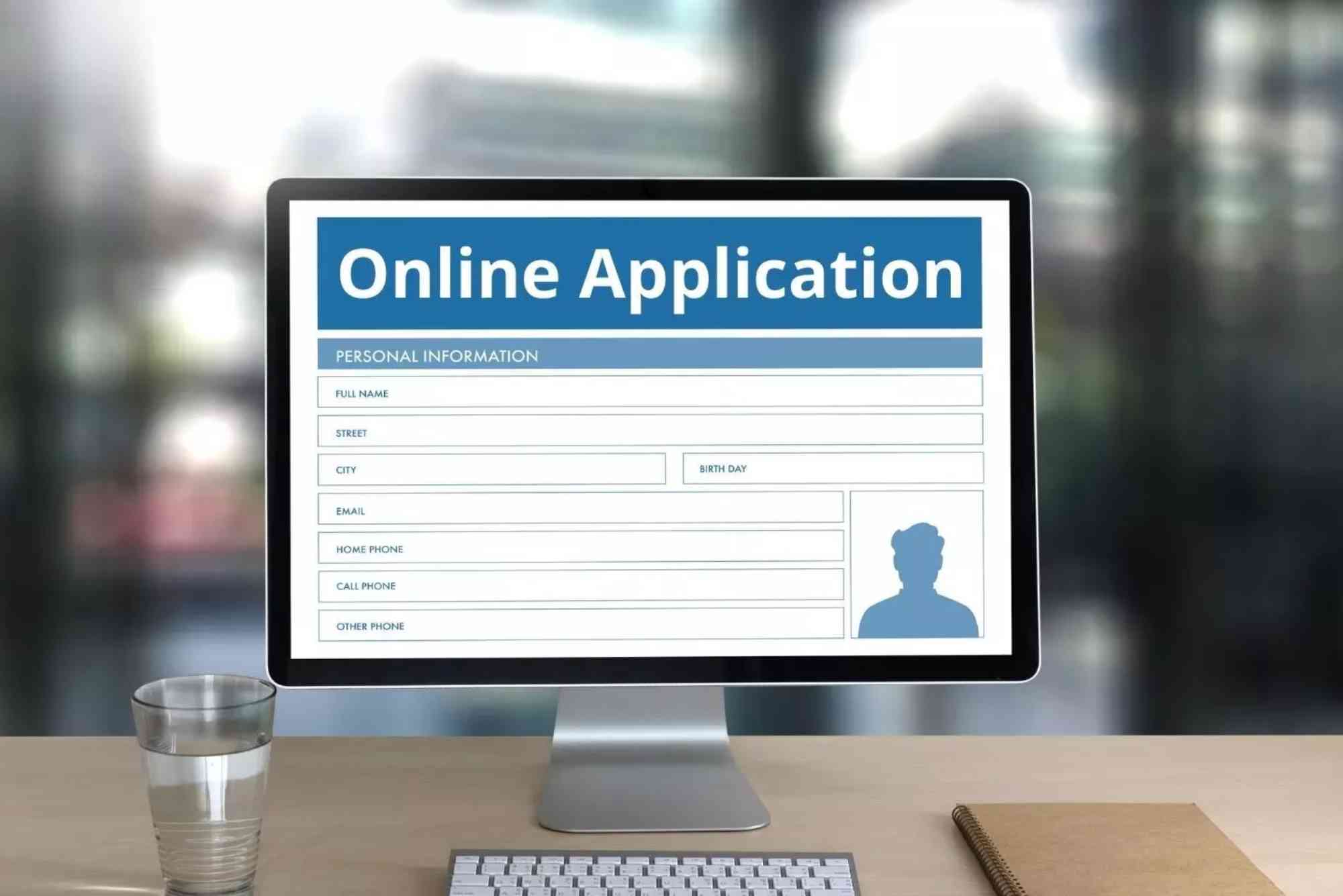
The Lahore Electric Supply Company (LESCO) has introduced the lesco online application to make electricity management simple and efficient. Through this app, customers can check bills, lodge complaints, and access multiple services without visiting customer service centers. In this guide, you’ll learn how to download the LESCO app, log in, and use its top features effectively.
Why Use the LESCO Online Application?
The lesco online application is designed to save customers time and effort. Instead of waiting in long queues or calling helplines, you can manage your electricity account right from your smartphone.
Benefits of Using the LESCO App
- Check your monthly electricity bill instantly.
- Pay bills online without visiting banks.
- Track payment history and consumption trends.
- Submit complaints and receive timely responses.
- Stay updated with LESCO announcements and alerts.
How to Download the LESCO Online Application
Getting the app on your smartphone is easy and takes just a few steps.
Download on Android
- Open the Google Play Store.
- Search for “LESCO Light” or “LESCO Online Application.”
- Tap install and wait for the download to complete.
Download on iPhone (iOS)
- Open the App Store.
- Type “LESCO” in the search bar.
- Select the official app and tap download.
Installation Requirements
- Stable internet connection.
- Android version 5.0 or higher.
- iOS version 11 or above.
How to Login to the LESCO Online Application
After installation, you can easily access your account.
Step-by-Step Login Process
- Open the app.
- Enter your customer ID or reference number.
- Provide your registered mobile number or email.
- Enter the OTP code sent by LESCO.
- Access your dashboard to view services.
Resetting Login Details
If you forget your credentials, use the “Forgot Password” option. Enter your mobile number or email, and the app will guide you through resetting your account.
Key Features of the LESCO Online Application
The app comes with a variety of tools that improve customer experience.

Bill Checking Feature
Customers can check their electricity bills anytime. Just enter your reference number to see your bill amount, due date, and status. You can also download a duplicate copy for record-keeping.
(For a quick alternative, you can also try the Lesco Online Bill Check tool.)
Online Bill Payments
The lesco online application supports multiple payment methods, including mobile wallets, debit cards, and online banking. This eliminates the need to stand in queues at banks.
Complaint Registration
If you face issues such as meter faults, power outages, or billing errors, you can register complaints directly through the app. Customers also receive a tracking number to follow the complaint’s progress.
Usage History and Trends
The app allows users to track monthly electricity consumption. This feature helps customers identify high usage months and manage their electricity consumption effectively.
Notifications and Updates
LESCO frequently sends out important alerts, including scheduled maintenance and power outage notifications. By enabling notifications, customers never miss an important update.
Customer Support Access
Users can directly contact customer support representatives through the app. This feature reduces the hassle of waiting on helplines.
Who Can Use the LESCO Online Application?
The lesco online application is available to all residential, commercial, and industrial customers. Whether you are in Lahore city or surrounding districts, you can use the app for hassle-free electricity management.
Common Issues and Troubleshooting
Even though the app is simple, users may face some problems.
App Not Opening
If the app doesn’t open, try clearing cache or reinstalling it from the official store.
Login Failure
Make sure your mobile number and reference number are correct. If issues persist, reset your password.
Payment Not Updating
Sometimes, payments take up to 24 hours to reflect. Keep your transaction ID for verification if needed.
LESCO Online Application vs. Website
Both the app and website serve the same purpose. The lesco online application is mobile-friendly and offers real-time notifications, while the website provides more detailed information.
If you prefer quick access, the app is better. For a broader overview, you can also use the Online Bill Check platform.
FAQ: LESCO Online Application
How can I check my LESCO bill online?
You can check your bill by entering your reference number in the lesco online application or through the official LESCO website.
Can I pay my bill through the LESCO app?
Yes. The app supports mobile wallets, debit/credit cards, and internet banking for bill payments.
Is the LESCO app available on iPhone?
Yes, iOS users can download it directly from the App Store.
What if the app shows the wrong bill amount?
In such cases, you should immediately register a complaint using the app’s complaint management system.
Do I need internet to use the LESCO app?
Yes, a stable internet connection is required for bill checks, payments, and complaint registration.
Conclusion
The lesco online application is a must-have tool for anyone who wants to simplify electricity management. From checking bills to submitting complaints, the app makes everything convenient. By using it, you save time, avoid unnecessary visits, and stay informed.