Introduction
Understanding your mepco electric bill should not feel confusing. Many customers struggle to find their bill online or decode the charges. This guide explains everything in clear, simple language. You will learn how to check your bill, download a duplicate, understand charges, calculate usage, and solve common issues fast.
The goal is to make the mepco electric bill process easier for every user. As someone familiar with Pakistan’s billing systems, I will walk you through each step with practical tips that actually work.
Understanding the MEPCO Electric Bill
MEPCO serves millions of customers across South Punjab. Bills can look complex at first, but each section has a purpose. Learning the structure makes it easier to track usage and control costs.
Key Sections on a MEPCO Electric Bill
Reference number
The reference number identifies your connection. You need it to check or download your bill online.
Customer and tariff details
These lines show your name, address, and tariff type. Domestic and commercial users have different charges.
Reading and billing period
This section shows your meter readings and dates. Always check for accuracy.

Current charges
These include the cost of consumed units, taxes, and surcharges.
Arrears or previous balance
If a past amount remains unpaid, it appears here and increases the total bill.
How to Check Your MEPCO Electric Bill Online
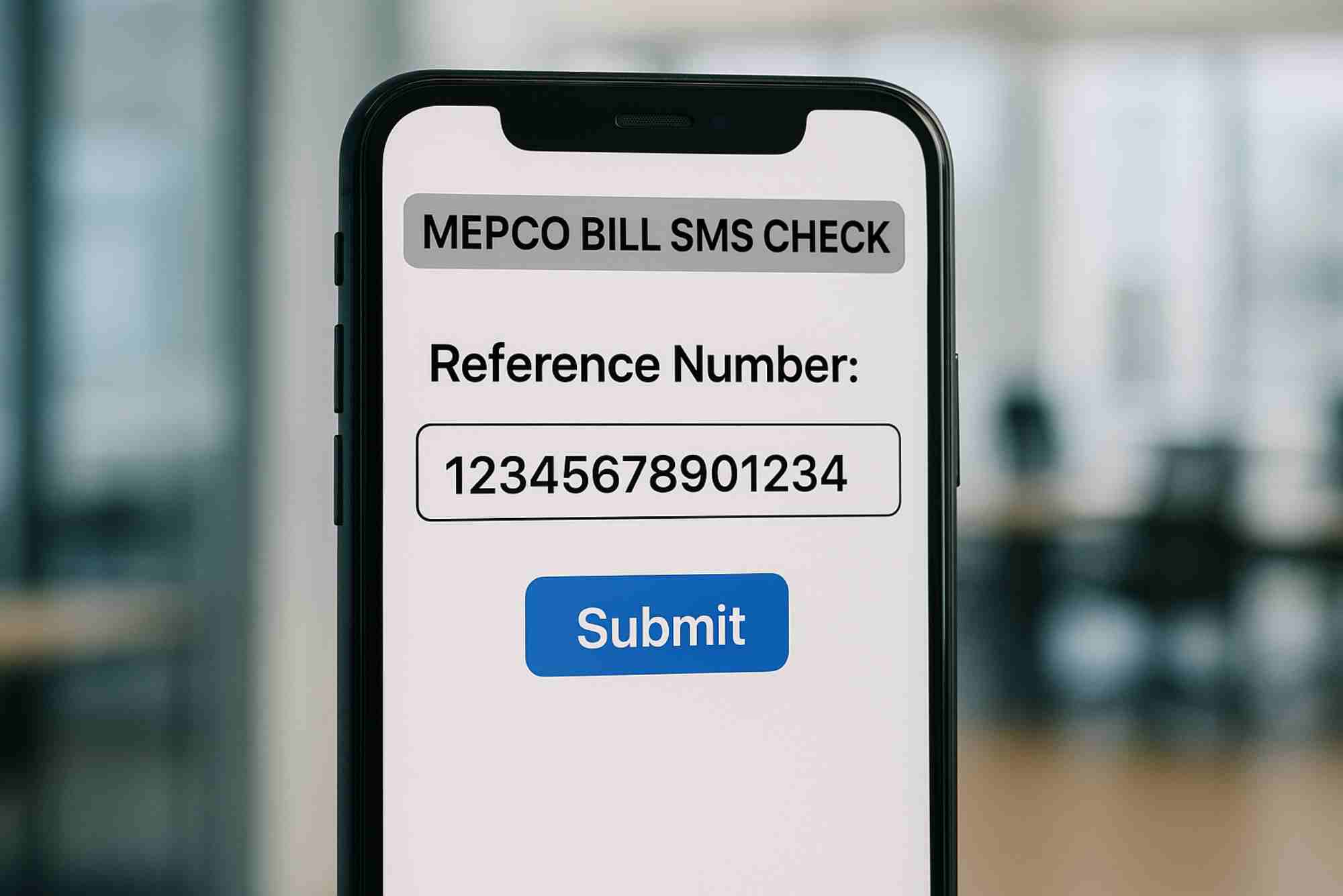
Checking your mepco electric bill online is easy and saves time. The process needs only your reference number.
Best Way to Check a Bill Online
You can use trusted platforms that allow quick access. One reliable option is the MEPCO section available through MEPCO Online Bill Check, which offers a fast lookup tool.
Alternative Method for Online Billing
You can also use a broader service for various companies. This works well if your family uses multiple distributors.
Both options allow safe, fast access without needing an account.
How to Download a Duplicate MEPCO Electric Bill
Sometimes your bill does not arrive on time. A duplicate copy helps you avoid late fees.
Steps to Download the Bill
Enter your reference number
Make sure the number is correct. A single digit error can show the wrong bill.
Load the bill page
Your bill appears within seconds.
Download or print
You can save it as a PDF or print for bank payment.
This method works for homes, shops, and large businesses.
Understanding MEPCO Charges and Taxes
Many users ask why their mepco electric bill increases even when usage remains stable. Charges vary due to fuel costs, seasonal factors, and government taxes.
Main Charges Included
Cost of units
This depends on the number of units consumed and the tariff slab.
Fuel price adjustment
This changes each month based on fuel prices.
Government taxes
Sales tax, TV fee, and duty appear here.
Service and fixed charges
These remain constant and apply to most connections.
Knowing these charges helps identify unusual billing changes.
How to Reduce Your MEPCO Electric Bill
You can lower your mepco electric bill with simple changes in daily usage.
Effective Tips to Save Energy
Use energy-saving appliances
LED bulbs, inverter ACs, and efficient fans reduce consumption.
Turn off unused devices
Many appliances consume power even when not in active use.
Control peak hour usage
Using heavy appliances during peak times increases the bill.
Maintain wiring and appliances
Poor wiring leads to wasted electricity.
Small steps lead to noticeable savings.
Common Problems Faced by MEPCO Users
Millions depend on MEPCO, so occasional issues can occur. Knowing the common problems helps you solve them faster.
Frequent Issues
Bill not received
Many users do not get physical bills on time. The online option solves this.
High or incorrect bill
If your bill seems wrong, compare the meter reading with the printed reading.
Reference number changed
Sometimes MEPCO updates reference numbers. You can find the updated one on recent bills.
Payment not updated
If your payment does not reflect, wait 24–48 hours before contacting support.
How to Contact MEPCO for Help
When issues arise, MEPCO offers several support channels.
Reliable Support Options
Helpline
MEPCO helpline provides support for billing issues, complaints, and outages.
Customer service centers
You can visit your local office for meter or billing corrections.
Online complaint portals
These allow you to file and track complaints without visiting an office.
Keep your reference number ready when contacting support.
FAQs
Here are real questions users search on Google’s “People Also Ask.”
How can I check my MEPCO bill online?
You can check your bill using your reference number. Use portals like MEPCO Online Bill Check for quick access.
How do I download a duplicate MEPCO bill?
Enter your reference number on an online billing platform and press the download or print button.
What should I do if I get an incorrect MEPCO bill?
Check your meter reading. If the printed reading is wrong, file a correction request with MEPCO.
Why is my MEPCO bill higher this month?
Fuel adjustments, taxes, and slab changes can increase your bill even with similar usage.
Can I check my MEPCO bill without a reference number?
You need the reference number. It appears on previous bills, so keep copies for safety.
Managing your mepco electric bill becomes easier when you understand the charges and know how to check your bill online. You no longer need to wait for the paper copy or stand in long lines. With the tools and steps shared here, you can handle billing tasks in minutes and stay in control of your electricity expenses.
Related Reading: MEPCO Tracking
Related Reading: MEPCO Logo
Related Reading: Electricity Bill Mepco
Related Reading: MEPCO Bill History