Complete Guide to Fesco Mobile Number Change (FESCO)
Changing your mobile number registered with FESCO is essential to receive timely updates, bills, and notifications. Many consumers often overlook the importance of keeping their contact details updated. Whether you have switched your mobile provider, lost access to your old number, or simply prefer a new number, this guide will provide a comprehensive step-by-step approach for a smooth FESCO mobile number change.
Updating your mobile number with FESCO ensures you never miss crucial alerts such as bill notifications, load-shedding updates, and service announcements. FESCO provides a simple yet secure procedure for customers to update their mobile numbers online or through customer service centers.
Why Updating Your FESCO Mobile Number Matters
Maintaining an updated mobile number with FESCO comes with several advantages. First, it guarantees you receive instant notifications regarding your electricity consumption, billing due dates, and new services. Timely bill reminders prevent penalties and disconnections due to missed payments. Additionally, FESCO sometimes uses mobile alerts to inform customers about planned outages or emergency repairs. An updated number also strengthens account security, allowing you to verify identity during service requests or complaints.
How to Change Your Mobile Number with FESCO
FESCO provides multiple options to change your registered mobile number. You can choose between online methods or visiting your nearest customer service center.
FESCO Online Mobile Number Update
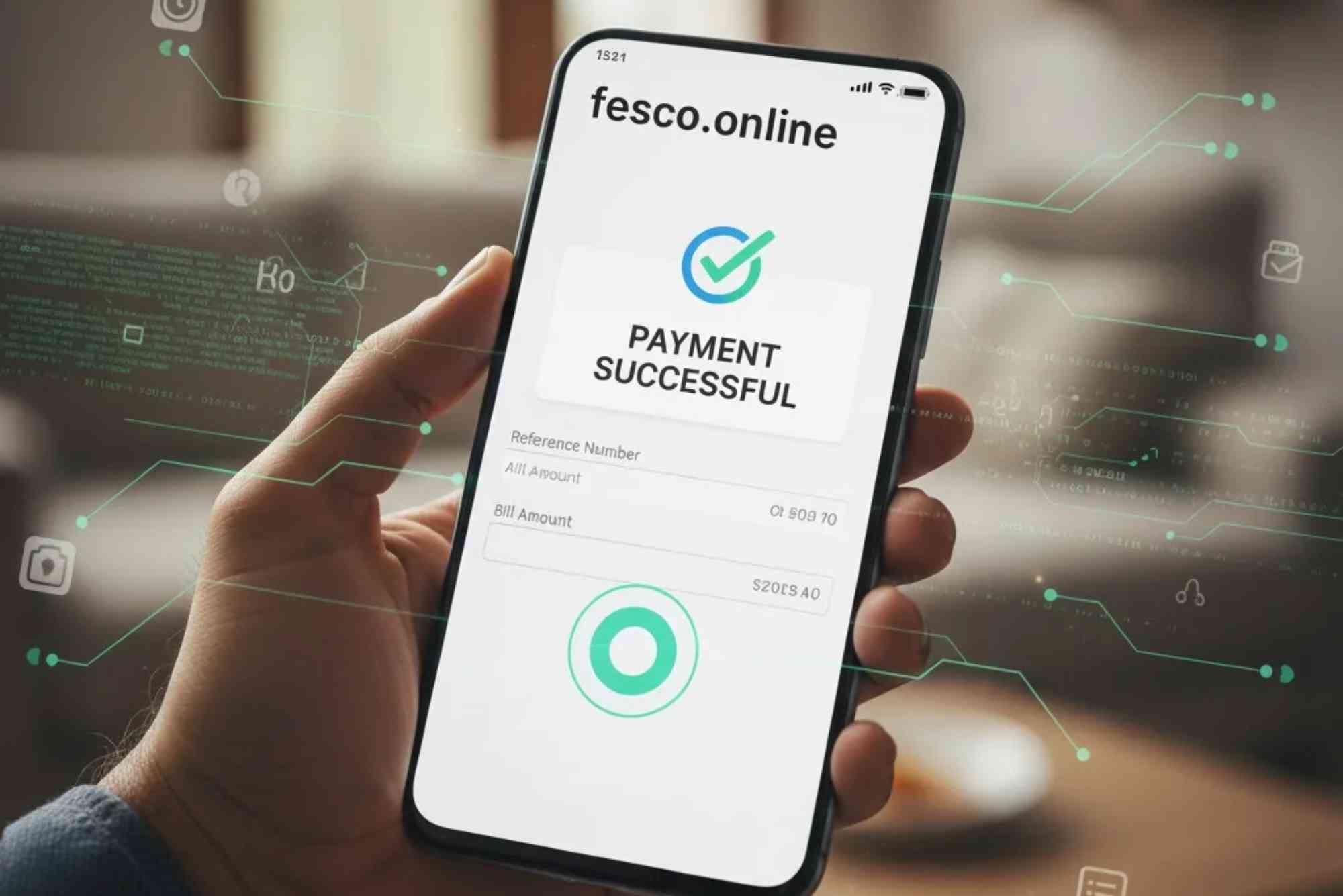
To change your mobile number online, start by visiting the official FESCO website. The online portal allows registered customers to log in using their customer ID or reference number. Once logged in, navigate to the profile settings, where you can update your mobile contact information. After entering the new number, FESCO will send a verification code via SMS. Enter the code to confirm the update. This method ensures a quick and convenient mobile number change without visiting a physical office.
Visiting FESCO Customer Service Centers
If you prefer in-person assistance, you can visit any nearby FESCO office. Carry your valid CNIC and a proof of electricity account ownership. Customer service representatives will verify your identity and update the mobile number in their system. This method is suitable for customers who are not comfortable with online services or face difficulties during the online verification process.
Using FESCO Helpline Services
Another option is to call FESCO’s customer helpline. The helpline staff will guide you through the steps required to update your mobile number. This is particularly helpful for individuals who require step-by-step assistance or have queries regarding their account.
Steps to Ensure Your Mobile Number Change is Successful
After requesting a FESCO mobile number change, follow these steps to ensure it is completed successfully. First, wait for the verification message from FESCO confirming the update. Next, log in to your account to double-check that the new number reflects correctly. It’s also advisable to receive a test notification, such as a bill alert, to confirm the number is active in FESCO’s system. Lastly, update your contact information on any associated services that use your FESCO account for notifications.
Common Issues During Mobile Number Change
Some customers may face difficulties when changing their mobile numbers. Issues can include delayed SMS verification, mismatch in account details, or system errors. These problems are usually temporary and can be resolved by retrying the process after a few minutes or contacting FESCO customer support for assistance. Ensuring your account details, such as customer ID and CNIC, are correct before starting the update process minimizes potential errors.
Benefits of FESCO Mobile Number Registration
Registering the correct mobile number with FESCO is crucial for convenient service management. Customers receive instant notifications for pending bills, disconnections, and emergency maintenance. FESCO also uses the registered number to provide promotional information, energy-saving tips, and updates on new services. With the correct mobile number, you can access FESCO Online Bill Check and other online tools seamlessly, making electricity management easier.
Tips for a Smooth Mobile Number Update
To ensure a hassle-free update, follow some simple tips. Keep your account information handy, such as customer ID and CNIC. Double-check the number you intend to register to avoid typos. Prefer using official channels like FESCO’s website or verified customer service centers to prevent unauthorized changes. Regularly monitor your account for confirmation messages and alerts to verify that the update is successful. Using online services for updates not only saves time but also provides records of your requests for future reference.
Accessing FESCO Services After Mobile Number Change
After updating your mobile number, you can easily manage your electricity account. You can pay bills, lodge complaints, and monitor your electricity consumption. FESCO’s online tools, including Online Bill Check, rely on your registered mobile number for verification. Updated contact information ensures uninterrupted access to these services and reduces the risk of account-related issues.
Changing your mobile number with FESCO is simple, quick, and essential for uninterrupted electricity services. Whether using online portals, customer service centers, or helpline assistance, customers can update their mobile numbers efficiently. Keeping your mobile number updated guarantees timely bill notifications, emergency alerts, and better account management. Don’t wait for a service disruption; take action today to secure your FESCO account. Update your mobile number now and enjoy seamless electricity services.
Updating your mobile number ensures seamless access to services like FESCO Online Bill Check and other online facilities. Take action today to enjoy uninterrupted notifications and efficient electricity management. This guide covers everything you need for a successful FESCO mobile number change, ensuring a smooth experience and uninterrupted services.
FAQs
How can I change my FESCO mobile number online?
You can log in to FESCO’s online portal, navigate to profile settings, enter your new mobile number, and verify it using the SMS code sent by FESCO.
Is it necessary to visit a FESCO office to change my mobile number?
No, visiting an office is optional. Online updates are fully supported, but in-person assistance is available if needed.
How long does it take for the mobile number update to reflect in FESCO’s system?
Typically, it takes a few minutes to a few hours. Ensure you complete SMS verification for instant activation.
Can I change my mobile number via FESCO helpline?
Yes, the helpline staff can guide you step by step to update your mobile number securely.
Do I need any documents to change my mobile number with FESCO?
For online updates, no documents are required. In-person updates require your CNIC and proof of account ownership.