Complete Guide to Fesco Online Application (FESCO)
Electricity management has become much simpler thanks to digital solutions, and the Fesco online application is a prime example. For FESCO (Faisalabad Electric Supply Company) consumers, this app provides an efficient way to manage electricity bills, check usage, and access services from the comfort of home. Whether you are a new user or looking to explore all features, this complete guide will walk you through everything you need to know about the FESCO online application.
What is the FESCO Online Application?
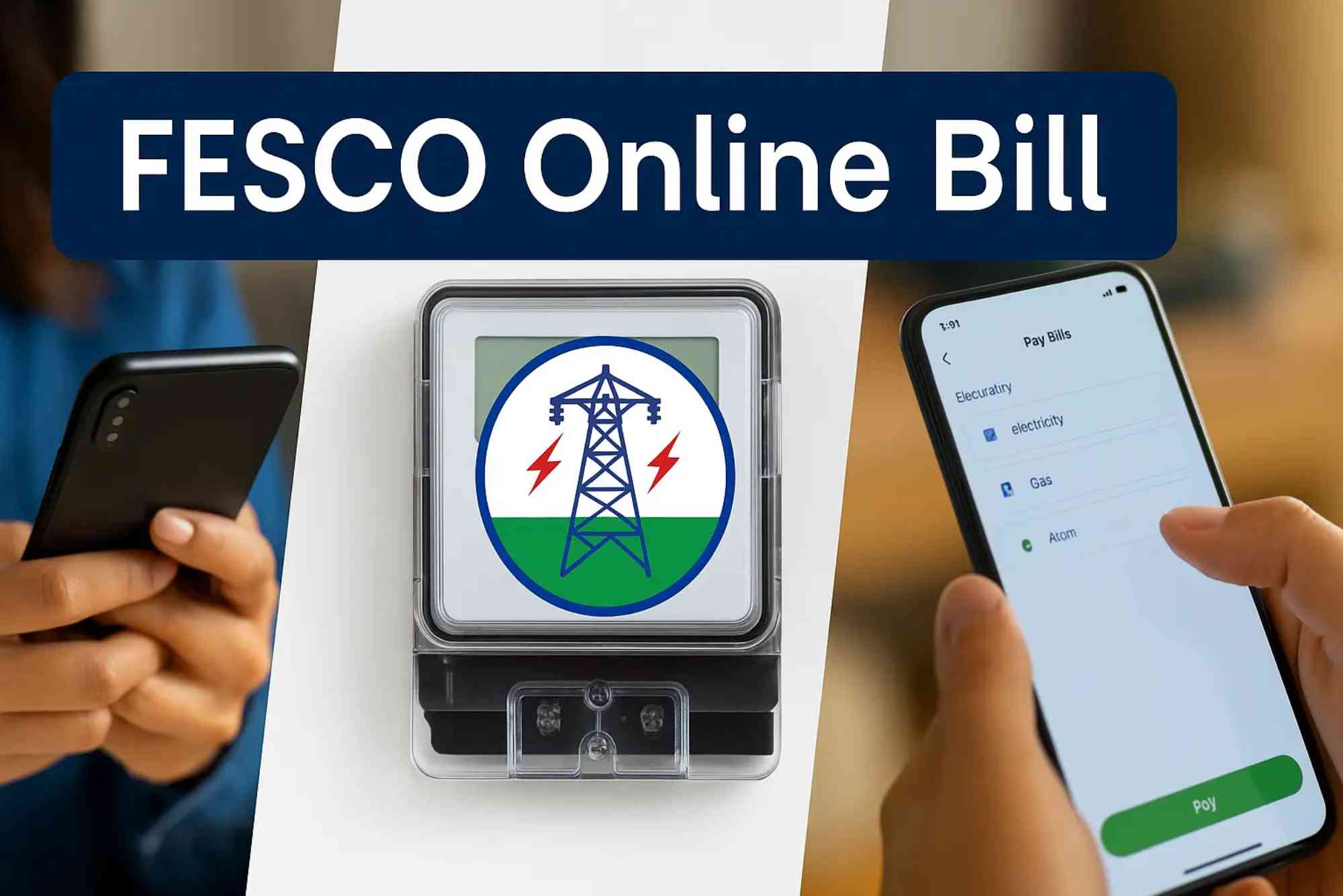
The FESCO online application is a digital platform designed to simplify electricity services for consumers in the Faisalabad region. With increasing digitalization, FESCO has enabled a mobile-friendly system where users can perform multiple tasks without visiting offices. The app is available on Android and iOS, making it convenient for almost everyone with a smartphone.
Through the app, consumers can access features such as checking bills, submitting complaints, and even paying bills instantly. The goal is to reduce the dependency on physical paperwork and enhance customer experience.
Key Features of FESCO Online Application
- Bill Viewing and Payment: Consumers can see their current and previous bills and make online payments.
- Consumption Tracking: The app allows users to monitor electricity usage, helping them manage consumption and expenses.
- Complaint Submission: Users can report issues such as power outages or faulty meters directly through the app.
- Notifications: Receive alerts for due bills, new announcements, and maintenance schedules.
- Multiple Payment Options: Supports bank transfers, credit/debit cards, and other online payment methods.
How to Download and Install the FESCO Online Application
Using the FESCO online application begins with downloading it on your device. Here’s a step-by-step guide:
- For Android Users: Open Google Play Store, search for “FESCO Online Application,” and tap Install.
- For iOS Users: Open the App Store, search for “FESCO Online Application,” and tap Get.
- Allow Permissions: The app may request access to your storage and notifications. Approve these to ensure smooth functionality.
- Sign Up / Log In: Use your FESCO consumer number and registered mobile number to create an account or log in.
After installation, explore the main dashboard, which is designed for easy navigation.
Step-by-Step Guide to Using FESCO Online Application
Registering Your Account
Before accessing most features, you need to register:
- Open the app and select Sign Up.
- Enter your consumer number, mobile number, and email address.
- Create a secure password.
- Verify your account using the OTP sent to your registered mobile number.
Once registered, you can access the complete range of features.
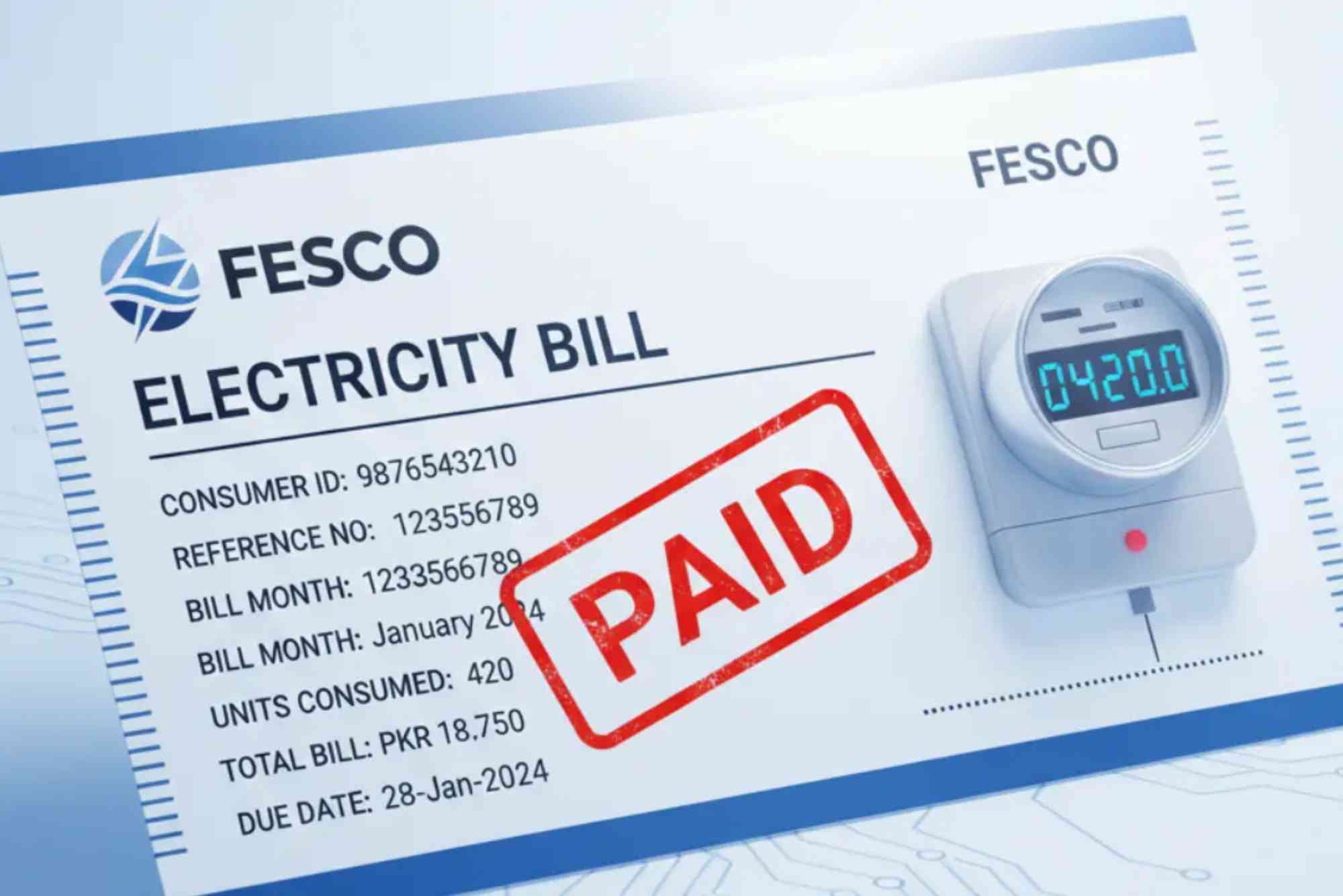
Checking Your Electricity Bill
One of the primary uses of the FESCO online application is bill checking. Follow these steps:
- Log in to the app.
- Navigate to the Bill Section.
- Enter your consumer number if not already saved.
- View current and previous bills, along with detailed usage information.
For a quicker option, you can also use FESCO Online Bill Check for instant bill viewing.
Paying Bills Online
Paying bills through the app is fast and secure:
- Open your bill summary.
- Tap Pay Bill and select a payment method.
- Confirm the amount and complete the transaction.
- A digital receipt is generated for your records.
This eliminates the need to stand in long queues at payment centers.
Tracking Electricity Usage
The FESCO app also lets you monitor your electricity consumption:
- Navigate to Usage History.
- Compare month-to-month consumption trends.
- Receive tips for optimizing electricity use and reducing bills.
Monitoring consumption can help you save significantly over time.
Submitting Complaints
If you face issues such as power outages, low voltage, or meter problems:
- Go to the Complaints Section.
- Select the issue category.
- Add a description and attach any relevant photos.
- Submit your complaint.
You can track the status of your complaint directly in the app, ensuring timely resolution.
Receiving Notifications and Updates
The app keeps you informed about:
- Upcoming bill due dates.
- Scheduled maintenance or load-shedding updates.
- Important announcements from FESCO.
Enabling push notifications ensures you never miss critical updates.
Advantages of Using FESCO Online Application
Using the FESCO online application provides multiple benefits:
- Time-Saving: No need to visit offices for bill payments or complaints.
- Convenient Access: Manage your account anytime, anywhere.
- Secure Transactions: Built-in security for online payments.
- Transparency: Clear view of usage and billing history.
- Efficient Complaint Resolution: Track issues and receive updates without delays.
Common Issues and Troubleshooting
While the app is user-friendly, some users may face minor issues:
- Login Problems: Ensure your credentials are correct and the app is updated.
- Payment Failures: Check internet connectivity and bank details before retrying.
- Notifications Not Showing: Enable app notifications in your device settings.
If problems persist, contacting FESCO customer support is recommended.
Alternative Ways to Check FESCO Bills
If you prefer not to use the app, other methods are available:
- Visit the Online Bill Check portal.
- Use FESCO’s SMS service for quick bill updates.
- Visit authorized FESCO offices or banks for bill payment and inquiries.
These options ensure all consumers have access to their account information regardless of technology preferences.
Tips for Maximizing Your FESCO Online Experience
- Regularly update the app to enjoy the latest features.
- Keep your consumer number and contact details up to date.
- Enable notifications for instant updates about bills and outages.
- Monitor electricity usage to avoid surprises on your monthly bill.
The FESCO online application is a complete solution for managing your electricity services conveniently and efficiently. From bill checking to complaint submission, the app reduces the hassle of traditional methods and ensures transparency and security. By embracing this digital platform, FESCO consumers can save time, track usage, and pay bills without leaving home.
Take control of your electricity management today by downloading the FESCO online application and exploring all its features. For faster bill access, use FESCO Online Bill Check or the Online Bill Check portal. Stay informed, stay secure, and manage your electricity the smart way.
FAQs
How do I download the FESCO online application?
You can download it from Google Play Store for Android or the App Store for iOS devices.
Can I pay my FESCO bill online?
Yes, the app allows secure online payments via multiple methods including credit/debit cards and bank transfers.
How do I track my electricity usage?
Use the Usage History section in the app to monitor monthly consumption trends.
What should I do if I forget my FESCO app password?
Use the “Forgot Password” option on the login screen to reset your password via registered email or mobile number.
Is there an alternative to using the FESCO app for bills?
Yes, you can check and pay bills using the Online Bill Check portal or visit authorized payment centers.
Can I submit complaints through the app?
Absolutely. The app allows you to report issues, attach photos, and track resolution status.
Does the FESCO online application send notifications?
Yes, it provides alerts for bill due dates, power outages, and other important updates.