One of the most common problems electricity consumers face is uncertainty after paying their bill. You pay your MEPCO bill through a mobile app, bank, or shop, and then a question immediately comes to mind: “Has my MEPCO bill been paid or not?”
This is not just a small concern. If your payment is not properly processed, you may face late payment surcharges, penalties, or even disconnection notices. That is why understanding how to verify your payment status is extremely important.
If you are searching for How To Check MEPCO Bill Paid or Not, this complete guide will walk you through every method, every scenario, and every possible issue—so you never stay confused again.
On BijliPK, most users already use tools like MEPCO Online Bill Check to view their bill. But this article goes deeper by helping you confirm whether your payment is actually received and updated in the system.
Why Checking MEPCO Bill Payment Status Is Important?
Many people assume that once they click “Pay,” their job is done. But in reality, payment systems involve multiple steps—transaction processing, system updates, and database synchronization.
If anything goes wrong in this chain, your bill may still appear unpaid even though you think you have paid it. This can lead to unnecessary stress, duplicate payments, or financial loss.

That is why verifying your bill payment status is not optional—it is a necessary step in managing your electricity account.
Understanding How MEPCO Billing System Works
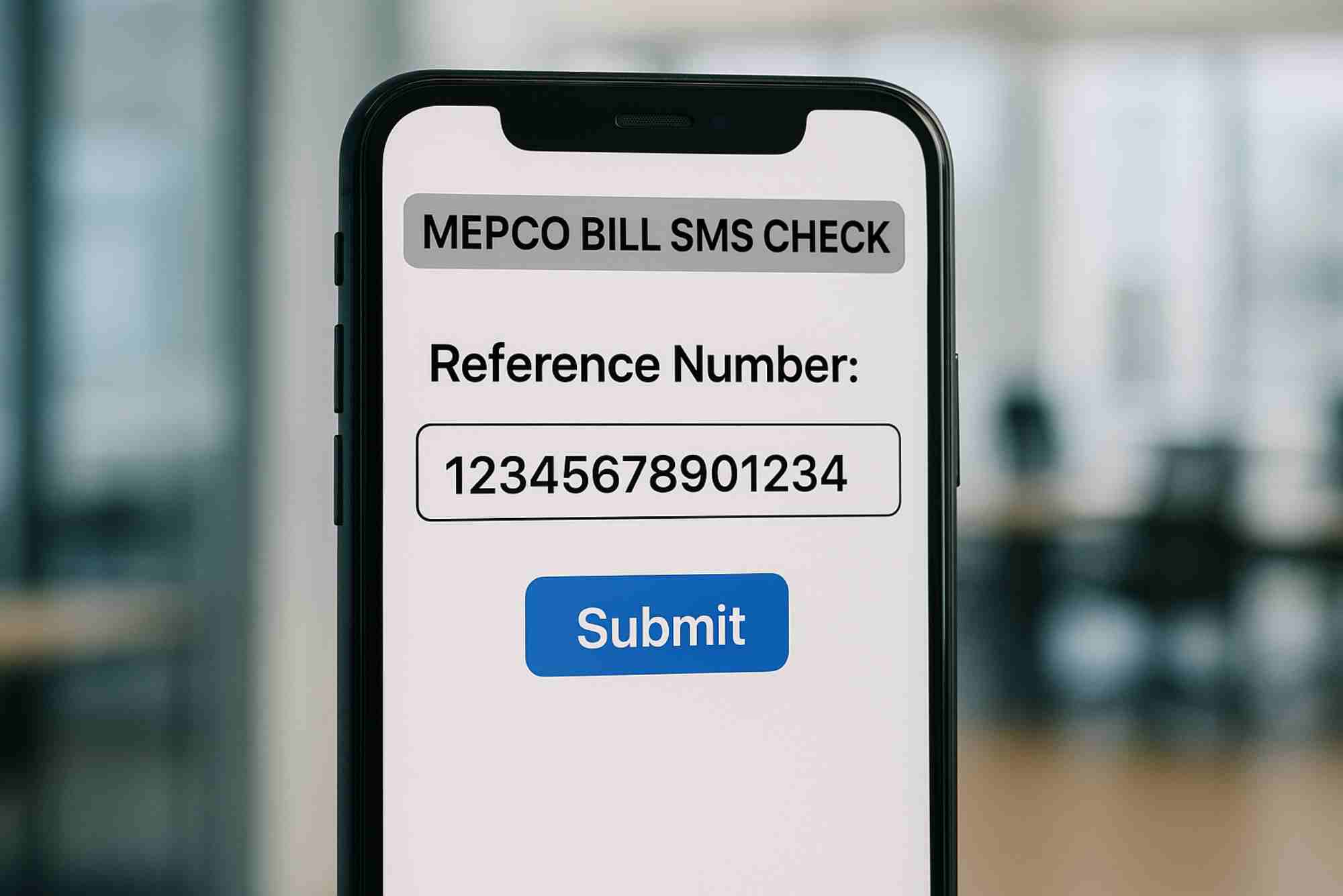
Before checking payment status, it is important to understand how the billing system works. When MEPCO generates a bill, it is linked to your unique 14-digit reference number. This number is the key identifier for your account.
When you pay your bill, your payment is processed by a bank or payment service and then communicated back to the central system. After that, the system updates your bill status.
This process may take a few minutes or several hours depending on the payment method you used.
Method 1: Check Through MEPCO Online Bill
The easiest and most reliable way to confirm payment is by checking your latest bill online. If your bill is paid, the outstanding amount will either be zero or updated accordingly.
You can use the official tool on BijliPK here: Check MEPCO Bill Online.
Simply enter your reference number and view your bill. If the system shows no payable amount or updated status, your bill has been successfully paid.
This method is the most commonly used because it directly reflects the system status.
Method 2: Verify Through Banking App or Wallet
If you paid through a banking app, JazzCash, EasyPaisa, or any digital wallet, you should check your transaction history.
Every successful payment generates a confirmation record. Look for status indicators such as “Successful,” “Completed,” or “Paid.”
However, keep in mind that a successful payment on your app does not always mean instant system update. Sometimes the MEPCO system takes time to reflect the payment.
That is why combining this method with online bill checking is the best approach.
Method 3: Check Physical Receipt
If you paid your bill at a shop, bank, or franchise, you would have received a printed receipt. This receipt is proof that your payment was processed.
It contains your reference number, payment date, and amount. Always keep this receipt safe until your payment is confirmed online.
If your bill does not update, this receipt will help you resolve the issue.
Method 4: Wait and Recheck
Sometimes the issue is simply timing. Payment systems may take a few hours to update. If you check immediately after payment, the bill may still appear unpaid.
In most cases, updates happen within 1 to 6 hours. In rare cases, it may take up to 24 hours.
If your payment does not reflect after a full day, then further action is required.
Method 5: Contact MEPCO Support
If your bill still shows unpaid after sufficient time, you should contact MEPCO support. Provide your reference number and payment details.
This step is similar to how users handle issues in other DISCOs like HESCO Complaint System or explore service help via HESCO Hyd.
Support teams can trace your payment and resolve mismatches.
Common Reasons Why Your Bill Shows Unpaid
There are several reasons why your bill may still appear unpaid after payment. Understanding these helps you avoid panic and take correct action.
- System update delay
- Incorrect reference number entered
- Payment failure or pending status
- Network or server issue
- Payment made near deadline cutoff time
Most of these issues are temporary and resolve automatically.
Difference Between Paid and Unpaid Bill
Understanding the difference is important. A paid bill shows no outstanding amount or updated status, while an unpaid bill shows full payable amount and due date.
Sometimes users confuse duplicate bill view with payment confirmation. Viewing a bill does not mean it is paid.
Always check the amount section carefully.
What Happens If You Pay Twice?
Duplicate payments can happen if you panic and pay again without verifying status. In most cases, extra payment is adjusted in the next bill.
However, it is better to avoid this by confirming payment first.
Tips to Avoid Payment Issues
Managing your electricity bill properly can save you from many problems. Follow these best practices:
- Always double-check your reference number
- Use trusted payment platforms
- Keep digital or printed receipts
- Check bill status after payment
- Avoid paying multiple times without verification
How This Topic Fits Into BijliPK?
This keyword is highly practical and fits perfectly into BijliPK’s structure. Users who come for MEPCO bill checking often need help with payment confirmation.
It also connects with broader content like HESCO bill check, complaint systems, HESCO category, and BijliPK homepage.
This internal linking improves both SEO and user experience.
Real-Life Scenarios and Solutions
Let’s consider real-life situations. You paid your bill through JazzCash at night, and the next morning it still shows unpaid. In this case, wait a few hours and check again.
Another scenario: you entered the wrong reference number and paid someone else’s bill. In this case, you must contact support immediately.
Or you paid through a shop and lost the receipt. Always take a photo of your receipt to avoid such issues.
Final Thoughts
Checking whether your MEPCO bill is paid or not is a simple but essential step. It protects you from penalties, prevents duplicate payments, and ensures your account remains in good standing.
The best strategy is to use multiple methods—check your bill online, confirm your transaction, and keep your receipt safe.
For complete guidance, you can explore MEPCO bill check, HESCO bill tools, complaint support, company info, and BijliPK.
Related Reading: MEPCO Bill Paid Check
Related Reading: MEPCO Unit Rate