Complete Guide to How to Check FESCO Bill Paid or Not (FESCO)
If you are a FESCO (Faisalabad Electric Supply Company) consumer, you probably know the importance of keeping track of your monthly electricity bills. But sometimes, after paying your bill, doubts arise — “Has my payment been updated?” or “How can I check if my FESCO bill is paid or not?” This guide will walk you through all the methods to check FESCO bill paid or not, using both online and offline ways. Whether you paid your bill via JazzCash, Easypaisa, a bank app, or manually at a collection point, this article covers everything you need to verify your payment status easily and accurately.
FESCO serves millions of customers across Faisalabad, Jhang, Chiniot, Toba Tek Singh, and other nearby regions. As part of WAPDA’s distribution companies, it provides various digital tools to help consumers manage electricity bills conveniently. Let’s explore how you can use these tools to check your FESCO bill payment status online and ensure you never miss a payment confirmation again.
Understanding FESCO Bill Payment Process
Before learning how to check FESCO bill paid or not, it’s essential to understand how the billing and payment process works. Every month, FESCO issues an electricity bill that includes details like your reference number, due date, total units consumed, and payable amount. Once you make a payment through any method, FESCO updates its database within 24 to 48 hours.
However, sometimes system delays or human errors cause discrepancies, leading consumers to recheck their payment status. Knowing how to verify your FESCO bill payment can save you from unnecessary penalties or double payments.
How to Check FESCO Bill Paid or Not Online
FESCO has made it very easy for customers to verify bill payment online through its web portal and other digital tools. The process is quick and accessible to everyone with an internet connection.
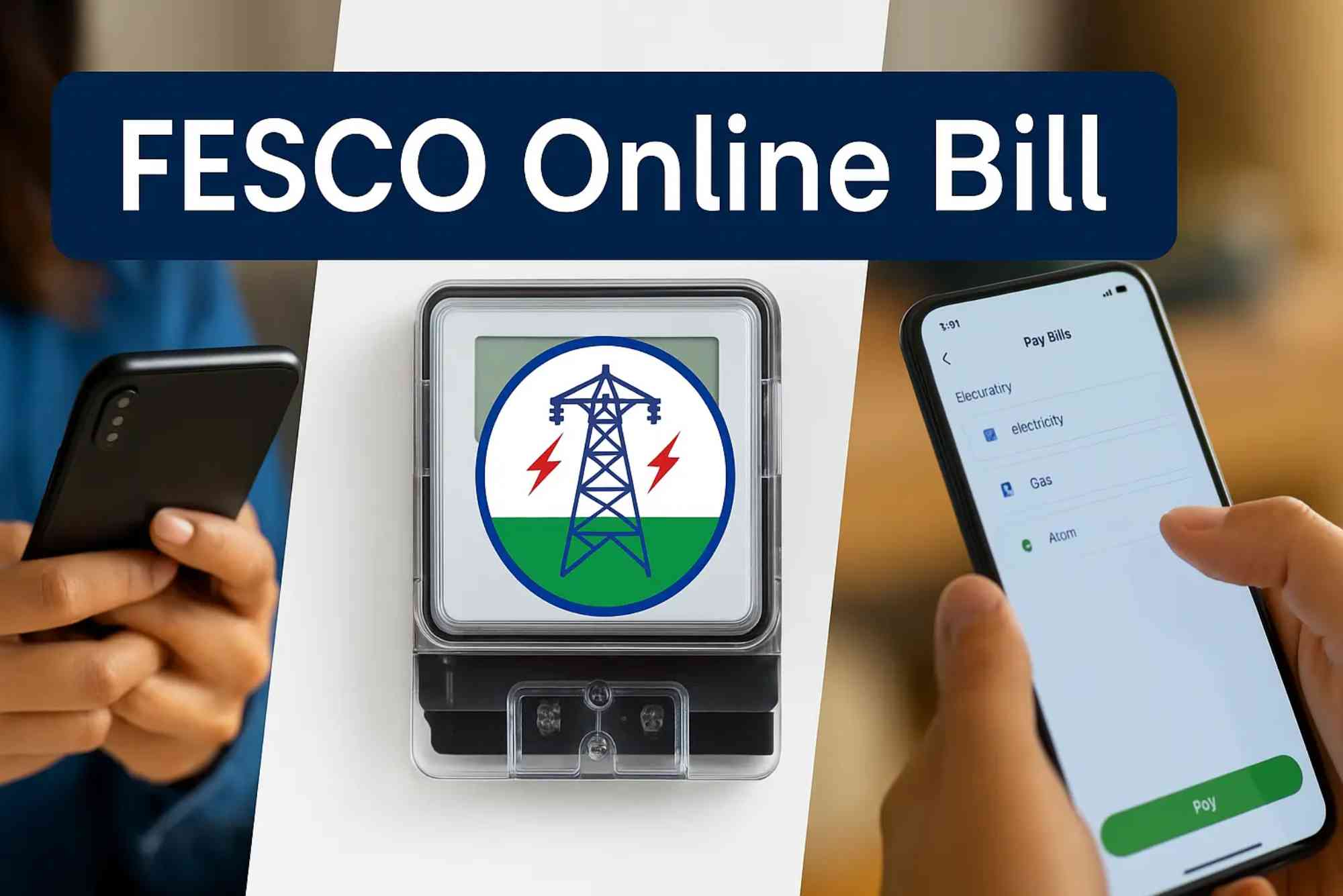
To begin, visit the official FESCO Online Bill Check page. This is one of the most reliable and user-friendly platforms for checking your current bill status and confirming if it’s been paid or not.

You only need your 14-digit reference number printed on the top left corner of your electricity bill. Enter it on the website, and you can instantly view your bill details, including the latest payment record.
If the payment status shows “Paid,” you can relax knowing your transaction is complete. If it says “Unpaid,” check your payment method’s confirmation message to verify if the transaction was successful on your end.
How to Check FESCO Bill Paid or Not via Official Website
The FESCO official website provides a simple and accurate way to confirm your payment status. Here’s how you can do it:
- Open your browser and go to the FESCO official website.
- Look for the section labeled “Bill Inquiry” or “Online Bill.”
- Enter your 14-digit reference number carefully.
- Click the search or “Submit” button.
- You will see your latest bill along with the payment history.
If the bill is marked as Paid, it means your payment has been successfully received and recorded by FESCO. If it still shows Unpaid, wait 24 hours and check again, as sometimes payments take time to reflect.
Checking FESCO Bill Payment Status via Mobile Apps
Many people prefer paying and checking bills using mobile apps like JazzCash, Easypaisa, or their respective bank applications. These platforms not only allow bill payment but also display payment history, making it easy to confirm your FESCO bill status.
For example, in the JazzCash app, after paying your FESCO bill, you can go to the “Bill Payment History” section. There, you will find all previously paid bills, their amounts, and transaction IDs. The same applies to Easypaisa, HBL Mobile, Meezan Bank, or UBL Digital apps. Always keep a screenshot of the transaction or note the transaction ID in case of any dispute.
How to Verify FESCO Bill Payment Through SMS or Helpline
If you don’t have internet access, you can still confirm your payment status using SMS or the FESCO helpline. Though FESCO doesn’t currently have a direct SMS verification service for payments, you can contact customer support at 111-000-118 or visit your nearest FESCO office. Provide your reference number, and the staff will check the payment record for you.
This method is useful for rural areas where online services may not be accessible. It also ensures you get verified information directly from FESCO representatives.
How to Confirm FESCO Bill Paid or Not Using Bank Receipt
When you pay your bill at a bank branch or post office, you receive a physical receipt. That receipt contains your reference number, payment date, and transaction ID. Keep it safe until you confirm the bill’s “Paid” status on the FESCO system.
You can recheck the status online or at the FESCO office by showing your payment receipt. Once your record is updated, the next month’s bill will show “Last Payment Received,” confirming your payment has been officially processed.
Why It’s Important to Check FESCO Bill Payment Status
Verifying whether your FESCO bill is paid or not is crucial for several reasons. First, it helps avoid duplicate payments — sometimes, users pay again because the system doesn’t show an updated status immediately. Secondly, checking your bill status ensures you won’t be charged late payment surcharges due to an unconfirmed payment.
Lastly, keeping track of your payment history is essential for maintaining personal or business electricity records, especially if you manage multiple connections.
Common Issues When Checking FESCO Bill Payment Status
While checking FESCO bill payment online is convenient, some users encounter common issues such as:
- The website not loading due to heavy traffic
- Incorrect reference number entry
- Payment not reflecting due to system delay
- Bank app showing “successful” but FESCO portal showing “unpaid”
If you face such problems, don’t panic. Wait at least 24–48 hours after payment before rechecking. If the issue persists, contact FESCO helpline or your bank for clarification.
Alternative Platforms to Check FESCO Bill Payment Status
Apart from the official portal, several trusted websites offer quick FESCO bill checks. One such reliable source is Online Bill Check. This platform not only allows you to view your FESCO bill but also supports multiple distribution companies like LESCO, MEPCO, IESCO, and others.
Simply enter your reference number, and you’ll get your bill details in seconds. It’s a handy option for users who want to access all Pakistan’s electricity bills from one place without switching between multiple websites.
How to Resolve Payment Discrepancies
Sometimes, after paying your FESCO bill, the system might not update immediately. If your payment status still shows “Unpaid” after 48 hours, follow these steps:
- Contact your payment service provider (Easypaisa, JazzCash, or your bank).
- Share your transaction ID and date of payment.
- Ask them to confirm whether the payment was transferred to FESCO.
- If the provider confirms, visit or call your nearest FESCO office.
- Provide your receipt, transaction proof, and reference number for manual verification.
In most cases, such issues are resolved within a few working days once verified by FESCO staff.
Tips for Avoiding Payment Confusion
To avoid future confusion, always follow these simple tips:
- Keep a digital or printed copy of your bill payment receipt.
- Use the same platform (app or bank) consistently for easy tracking.
- Always verify the bill amount before paying.
- Double-check your 14-digit reference number before confirming payment.
- Set reminders to check payment status before the next billing cycle.
By following these steps, you can ensure your FESCO bill payments are always confirmed and recorded properly.
(FAQs)
How can I check if my FESCO bill is paid or not?
You can check by entering your reference number on the FESCO Online Bill Check page or through your mobile payment app’s transaction history.
How long does it take for FESCO to update a paid bill?
Usually, it takes 24 to 48 hours for the system to update after payment, depending on your payment method.
Can I check my FESCO bill payment status through SMS?
Currently, FESCO doesn’t offer an SMS payment verification system, but you can call the FESCO helpline for assistance.
Why is my FESCO bill still showing unpaid even after payment?
This happens due to system delay or technical issues. Wait 24 hours or contact your bank/FESCO office with your payment proof.
Where can I get a duplicate FESCO bill online?
You can easily get it from the FESCO Online Bill Check website by entering your reference number.
Knowing how to check FESCO bill paid or not is an essential part of managing your electricity account responsibly. It saves time, prevents double payments, and ensures peace of mind. Whether you use the official website, mobile apps, or contact the helpline, verifying your payment status is now easier than ever.