Guide to Mepco CNIC Registration
Electricity services in Pakistan have become more efficient with digital solutions. One essential service is the Mepco CNIC registration, which allows consumers to link their CNIC with their electricity account. This simplifies bill management, complaint registration, and accessing various online services. This guide will walk you through the process, requirements, and benefits of registering your CNIC with MEPCO.
Why CNIC Registration is Important
Streamlined Account Management
By registering your CNIC, your electricity account becomes easier to manage. You can check bills, pay online, and track your usage without repeatedly providing account details.
Quick Complaint Resolution
Registered CNICs allow MEPCO to quickly verify your identity when you file complaints or service requests. This reduces delays and enhances service reliability.
Access to Online Services
With a CNIC linked to your account, you can use MEPCO’s online portal efficiently. Services like bill downloads, payment history, and service applications become smoother.
Requirements for Mepco CNIC Registration
Valid CNIC
Ensure your CNIC is valid and active. MEPCO will verify your details against the NADRA database, so any mismatch can cause delays.
Electricity Account Details
You must have an active electricity account with MEPCO. The account number is necessary to link your CNIC correctly.
Contact Information
Provide a valid phone number and email address. MEPCO uses these contacts for verification and service alerts.
Steps for Mepco CNIC Registration
Visit the Nearest MEPCO Office
Start your registration process at a local MEPCO office. Bring your CNIC and electricity bill.
Fill Out the Registration Form
Request the CNIC registration form and fill it carefully. Ensure your CNIC number, account number, and contact details are accurate.
Submit Your Documents
Submit your filled form along with a copy of your CNIC and latest electricity bill. The staff will verify your information.
Verification Process
MEPCO verifies your CNIC against the NADRA database. Once confirmed, your CNIC is linked to your account.
Confirmation Notification
You will receive a confirmation via SMS or email once registration is successful. After that, you can use online services confidently.
How to Check If Your CNIC is Registered
Using MEPCO Portal
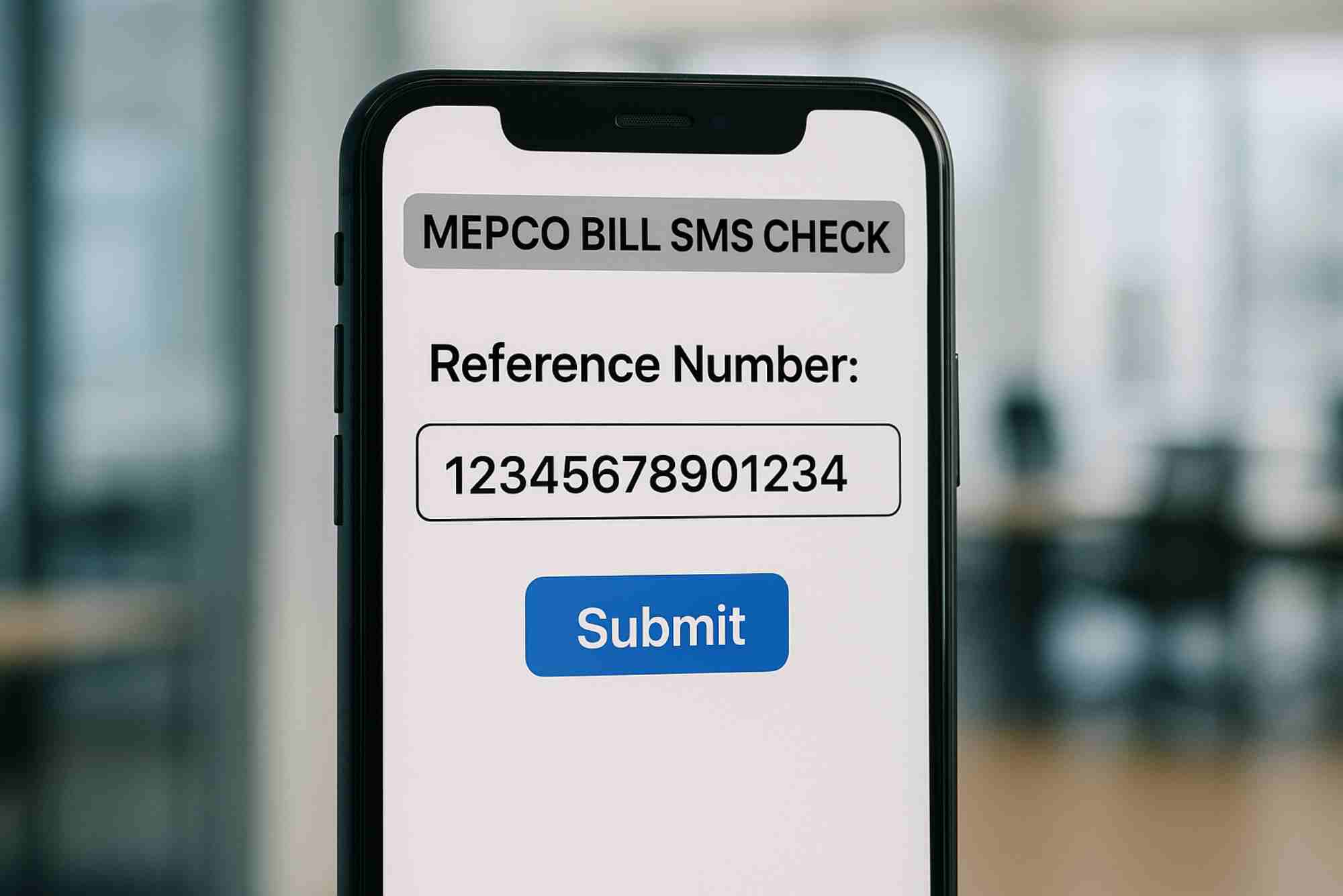
Visit the MEPCO website and use your CNIC to check registration status. The portal will confirm if your CNIC is linked to your electricity account.
Call MEPCO Helpline
You can also call the MEPCO helpline. Provide your CNIC, and the representative will confirm your registration.
Through Local Office
Visit your nearest MEPCO office to verify your CNIC registration. This is helpful if you face technical issues online.
Benefits of Online CNIC Registration
Time-Saving Process
Online registration avoids long queues at MEPCO offices and allows verification from home.
Accurate Bill Management
Registered CNICs reduce errors in billing and ensure accurate account details.
Access to Additional Services
Once registered, you can use services like MEPCO Online Bill Check, apply for new connections, and report complaints efficiently.
Common Issues During Registration
CNIC Mismatch
Ensure your CNIC details match the NADRA records. Mismatched information can delay registration.
Inactive Account
Your electricity account must be active. Closed or unpaid accounts cannot be linked.
Incorrect Contact Information
Provide valid phone numbers and emails. MEPCO uses these for verification and notifications.
Tips for a Smooth Registration Process
- Double-check CNIC and account numbers before submission.
- Keep your latest electricity bill handy.
- Use official MEPCO channels to avoid scams.
- If registering online, ensure a stable internet connection.
FAQ
How do I register my CNIC with MEPCO?
Visit your nearest MEPCO office with your CNIC and electricity bill. Fill out the registration form, submit your documents, and wait for verification.
Can I register my CNIC online?
MEPCO is gradually enabling online services. Check their portal for CNIC registration availability.
How long does CNIC registration take?
Verification usually takes a few days. You will receive SMS or email confirmation once successful.
What if my CNIC is not accepted?
Check for errors in your CNIC number or account details. Ensure your CNIC is valid and matches NADRA records.
Why is CNIC registration necessary?
It allows easier access to online services, faster complaint resolution, and accurate billing.
Can I update my CNIC later?
Yes, you can update your CNIC by visiting MEPCO office with updated documents.
How do I check my CNIC registration status?
Use the MEPCO portal, call the helpline, or visit the local office to confirm if your CNIC is linked.
Mepco CNIC registration simplifies your electricity management in Pakistan. It ensures faster services, easier payments, and smoother complaint resolution. By following this guide, you can register your CNIC quickly and enjoy all the benefits of MEPCO’s digital services. Start your registration today and take advantage of online conveniences like Online Bill Check and MEPCO Online Bill Check to stay informed about your electricity usage.